Installation
Download
Section titled “Download”
UseBrowser.dmg
macOS — Download from Google Drive
Open the DMG and drag UseBrowser into your Applications folder.
Join the waitlist
Section titled “Join the waitlist”UseBrowser is currently invite-only. Apply for access at usebrowser.xyz.
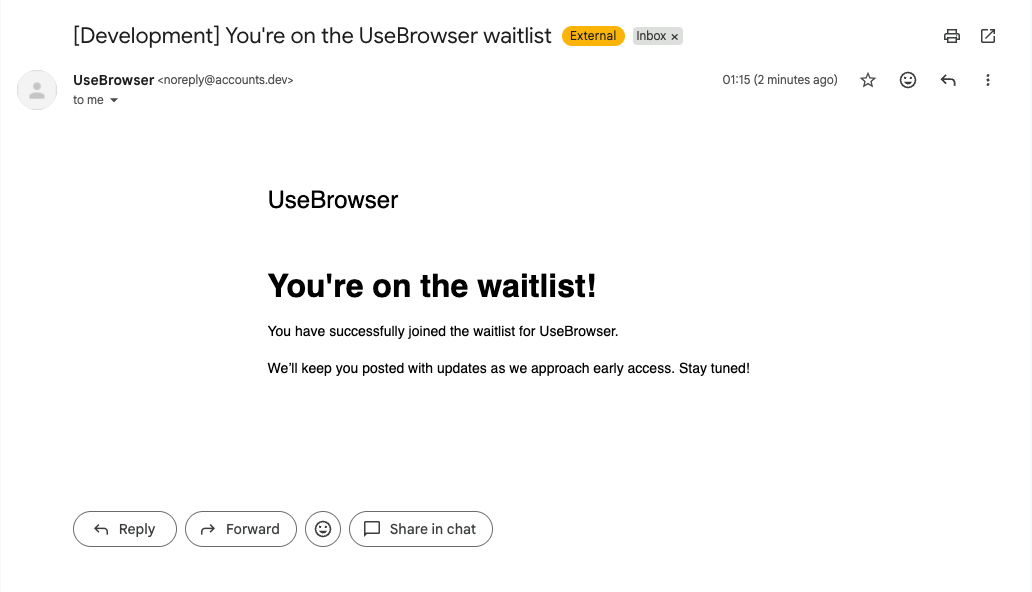
Once you’ve joined, you should receive a confirmation email:
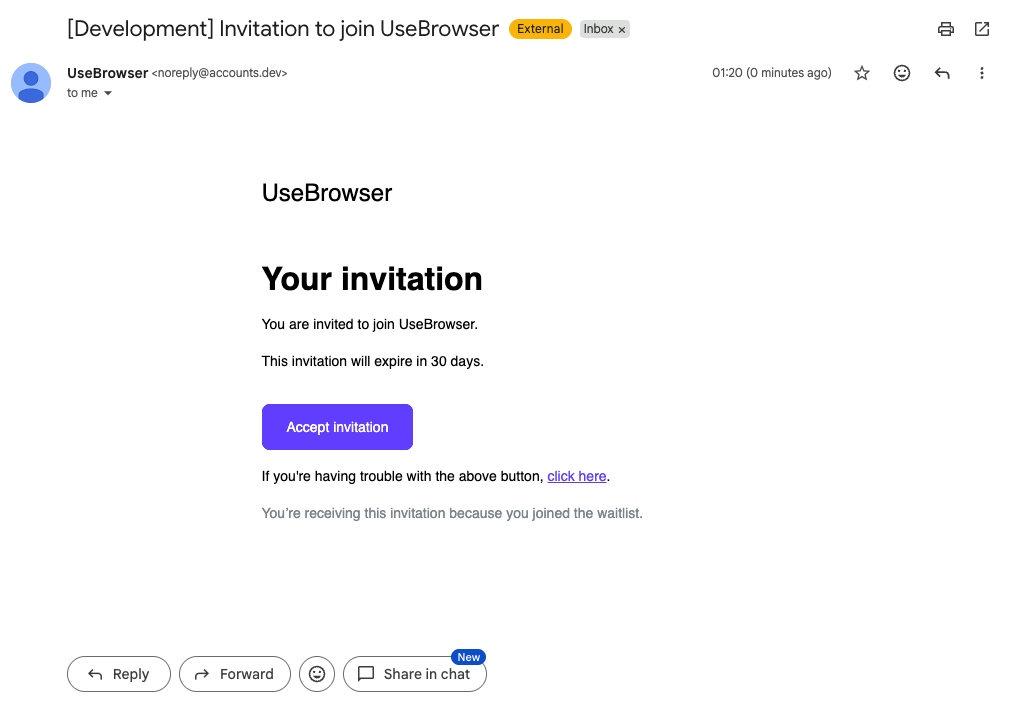
When your access is approved, you’ll receive an invitation email. Click Accept invitation and choose your preferred login method.
After you accept the invitation, launch UseBrowser and log in with your approved account. The setup wizard walks you through:
- Signing in and activating your account
- Installing Claude Code in the built-in terminal
- Configuring your first MCP connection
- A quick test task to verify everything works
Once setup is complete, press Cmd+I to open Agent Mode and start working.